Indian Class 10-12 commerce students preparing for board exams, as well as their parents or tuition teachers who supervise practice sessions.
كيف يعمل
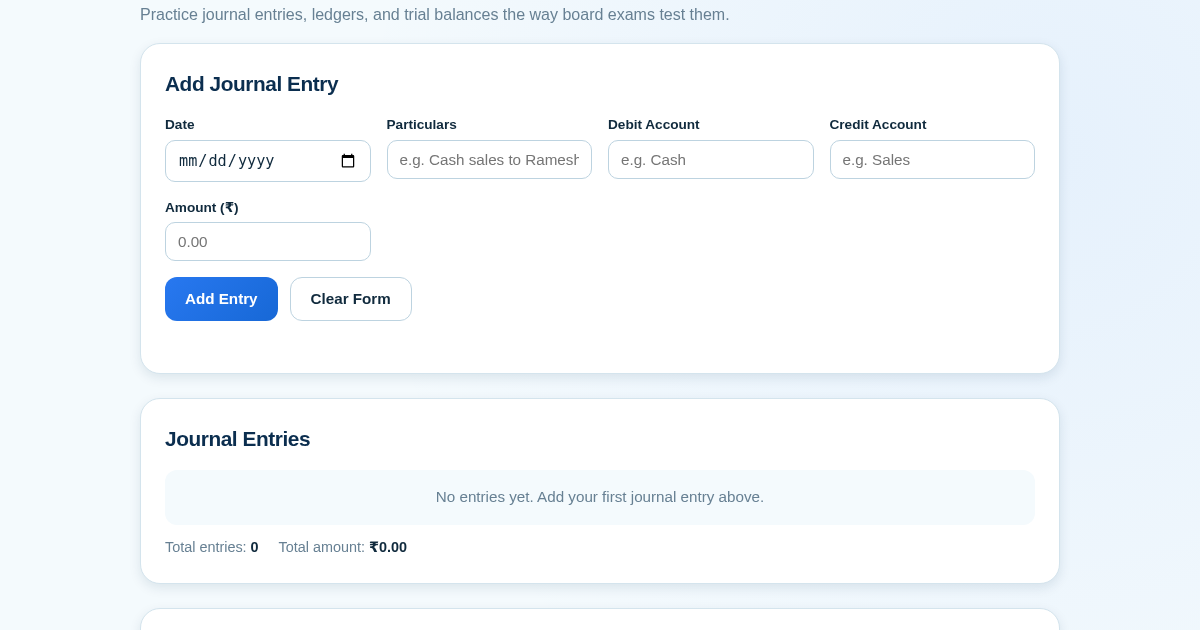
- Enter journal entries with date, particulars, debit account, credit account, and amount; add, edit, or delete rows as needed.
- Click 'Generate Trial Balance' to see the ledger, trial balance, and balance sheet computed live from your entries.
- Name the session and click 'Save Session' to persist the full entry set and computed totals to the server.
- View the History section to see all saved sessions with totals, export the trial balance as CSV, and track progress via a trend chart.
ماذا تكسب
- Instant feedback on journal entries with auto-generated financial statements
- Practice exactly the way board exams test accountancy concepts
- Save unlimited practice sessions for later review
- Export trial balance as CSV for offline study or sharing
- Track improvement over time with a simple trend chart
- No setup required—just open the page and start practicing
لقطة شاشة
تفاصيل تقنية
كيفية الإعداد والاستخدام
- اشترِ الترخيص — يظهر مفتاحك (lic_...) في صفحة الطلب وبريدك الإلكتروني.
- سجّل الدخول في app.synoriaai.com بمفتاح الترخيص.
- لا حاجة للتثبيت — يعمل المنتج في المتصفح على نسختك المعزولة.
- Enter each transaction: date, description, debit account, credit account, and amount, then click Add Entry
- After adding all your entries, click Generate Trial Balance to see your Ledger, Trial Balance, and Balance Sheet
- Type a name for this practice session and click Save Session to store it
- Scroll down to the History section to see all your saved sessions, their totals, and a trend chart
- Click the CSV export link next to any session to download the trial balance for offline review
الأسئلة الشائعة
Is my practice data stored anywhere online or shared with anyone?
Your entries and saved sessions are stored only on this app's server for your own use, so you can revisit past practice sessions. Nothing is shared with third parties.
Does this tool check if my accounting is correct?
It calculates ledgers, trial balances, and balance sheets from the entries you type, and shows you whether debit and credit totals match, but it does not grade your understanding of accounting concepts.
Can I fix a mistake after adding an entry?
Yes, you can edit or delete any entry before generating the trial balance or saving the session.
منتجات ذات صلة
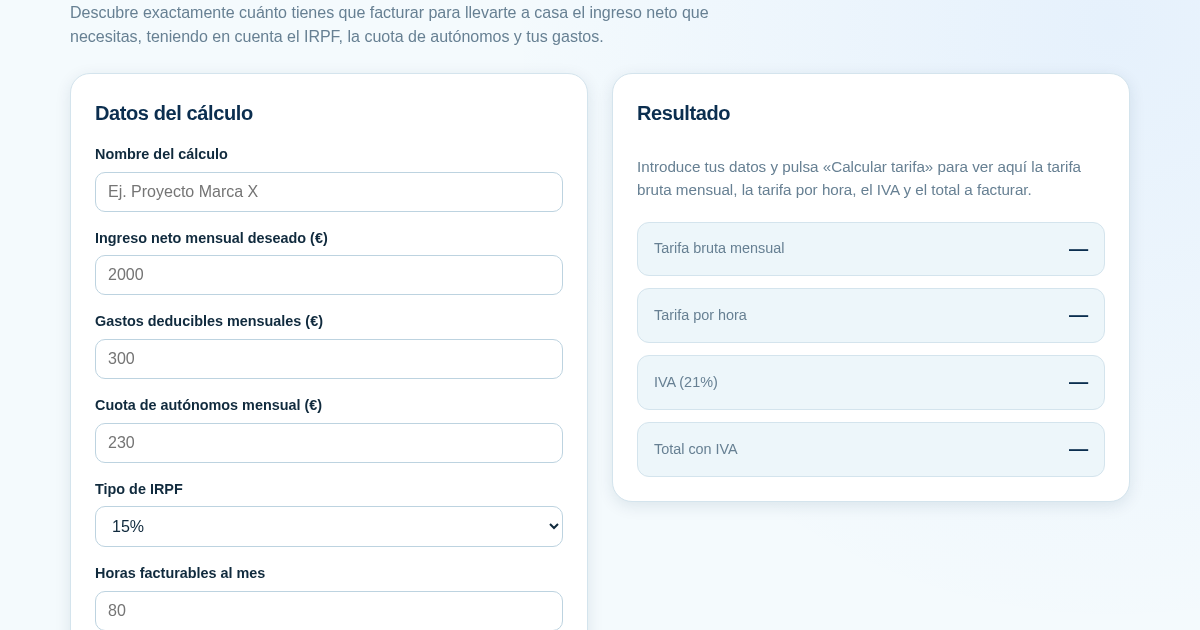
Calculadora de Tarifas para Autónomos
Muchos autónomos fijan sus tarifas sin saber cuánto necesitan facturar realmente para alcanzar el ingreso neto que quieren. Esta calculadora parte del neto mensual deseado y calcula la facturación bruta necesaria…
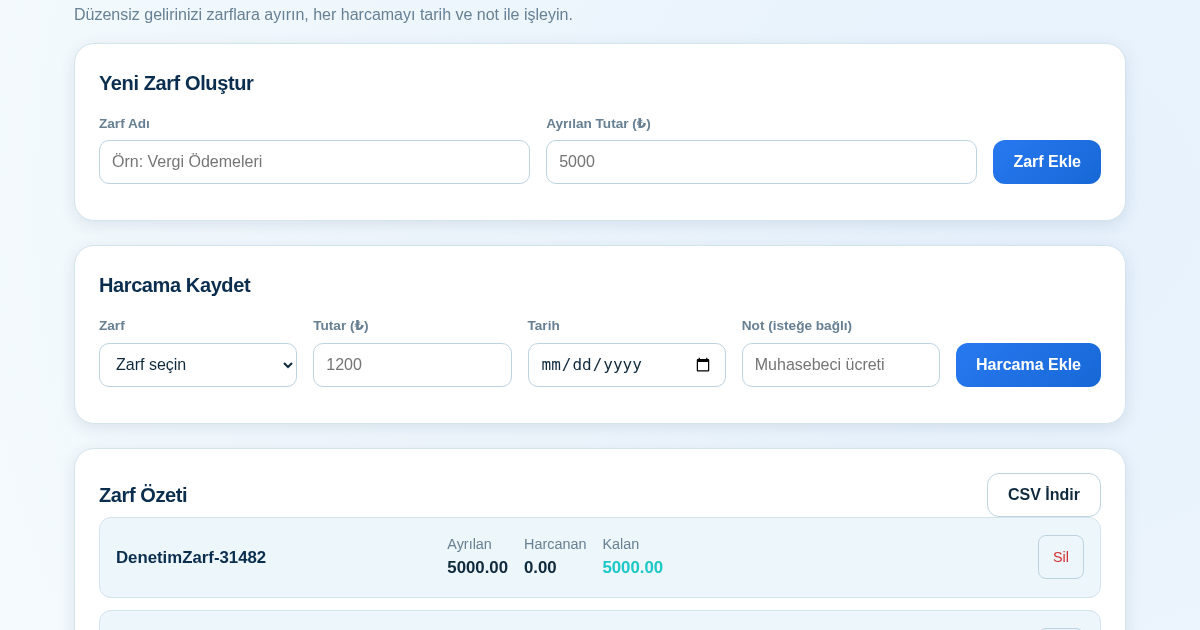
KASA - Serbest Çalışanlar İçin Zarf Bütçesi
Serbest çalışanlar düzensiz gelirlerini vergi, kira ve yaşam giderleri gibi zarflara bölerek bütçelerini düzenli tutabilir. Her harcamayı tarih ve not ile ilgili zarfa işleyerek ne kadar ayırdığını ve ne kadar…
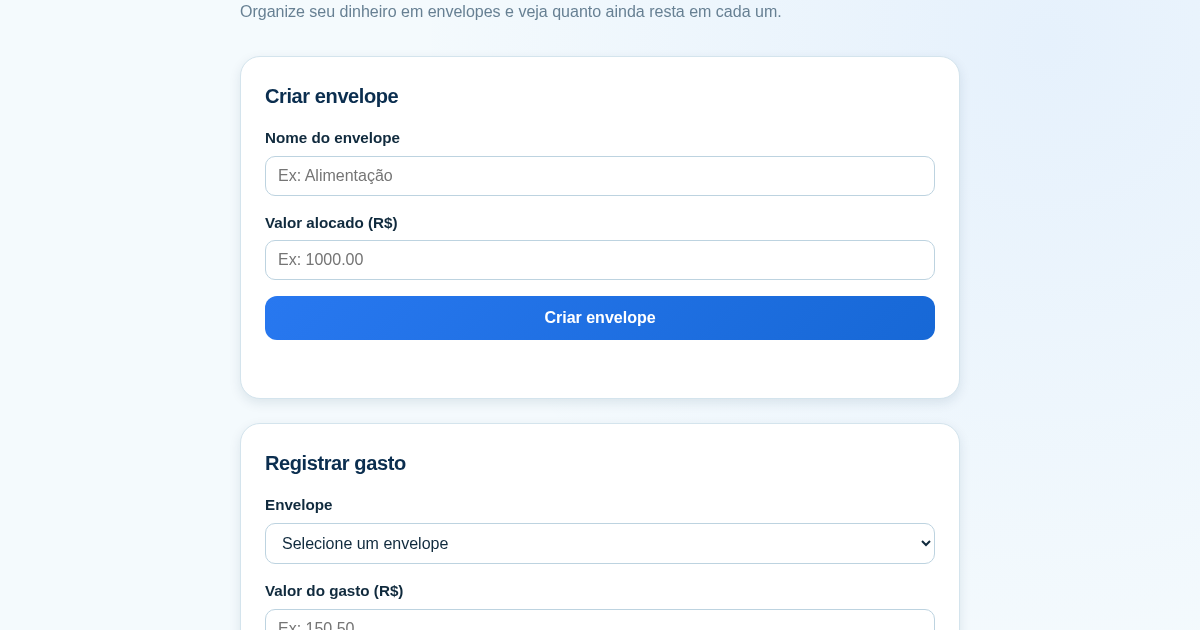
Calculadora de Orçamento por Envelopes (Pix)
Este aplicativo ajuda brasileiros a organizar seu dinheiro em envelopes de orçamento, como alimentação, transporte e lazer, sem precisar conectar uma conta bancária. Ele resolve o problema de controlar gastos do dia a…
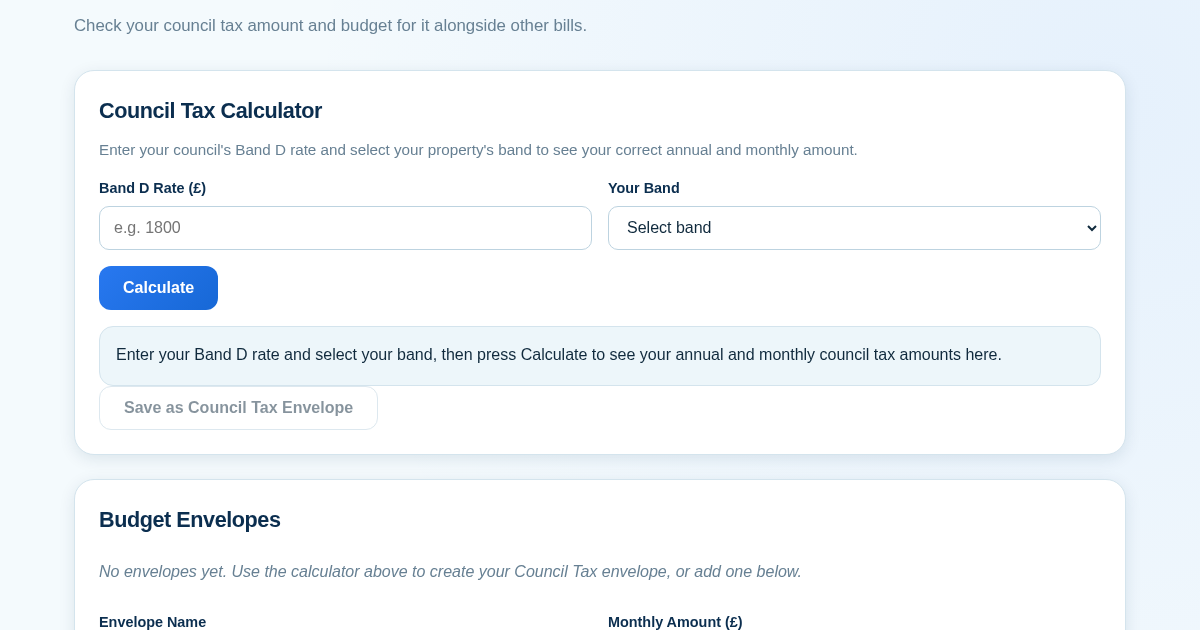
Council Tax Envelope Budget
This app helps UK residents verify they are paying the correct council tax amount for their property band by calculating it from their council's published Band D rate. It then provides a simple envelope-based budgeting…